AI Object Remover — Clean Up Your Photos

Brush over unwanted objects, people or text, then let AI rebuild the background. Sign in to submit — 12 credits per removal.

Clear people from the background — before
Clear people from the background — after
PeopleObjectTextWatermarkSticker

Before / After

Clear people from the background

12 credits per removalSign-in requiredPNG Download
What you can remove

One AI eraser. Every kind of unwanted pixel.

From tourists in your travel snaps to watermarks on stock photos, RemoveGenie handles it in one brush stroke.

Need the finished cover rather than raw artwork? A general image model sets type badly, so our sister site CoverHook handles those — the title is typeset into the artwork and the output is already the size each platform wants:

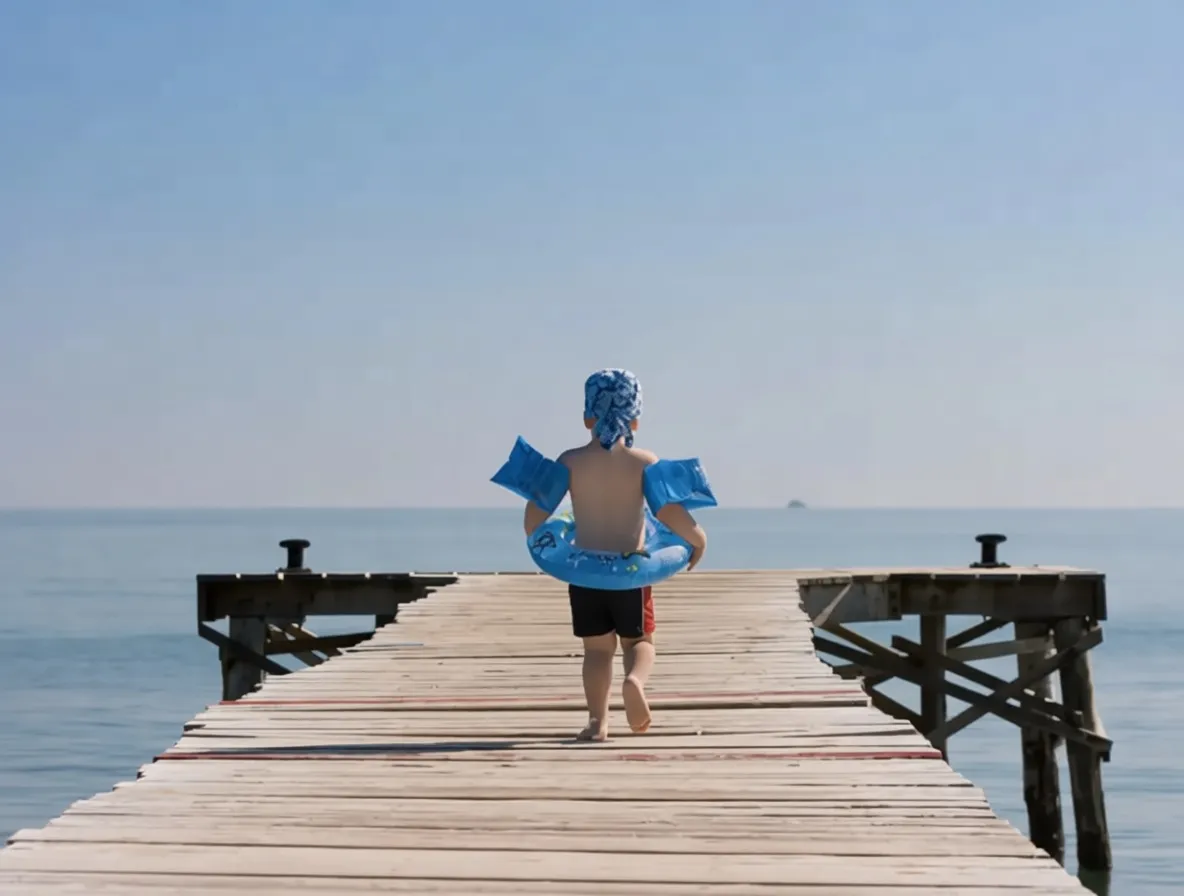
Crowded scene with passers-by — before
Crowded scene with passers-by — after
background people remover

Background People Remover

The background people remover clears photobombers, tourists, and background pedestrians from your photo while the subject stays crisp. Brush every unwanted person — even clusters of them — and the AI fills in sky, water, wall, or sidewalk in their place. Great for travel shots, venue photography, and candid portraits.

  • Single photobombers behind your subject
  • Dense tourist and concert crowds
  • Pedestrians and onlookers along the street

Try Background People Remover →
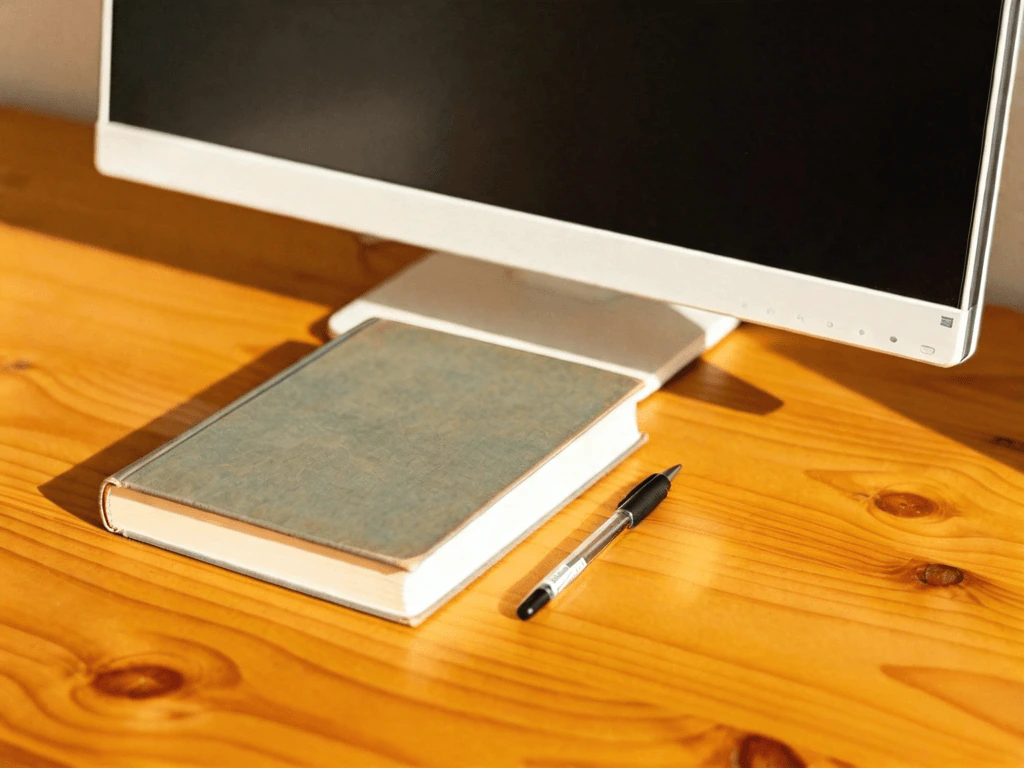
Photo with an unwanted object — before
Photo with an unwanted object — after
ai object remover

AI Object Remover

An AI object remover erases any unwanted object from a photo in seconds. Paint over the item — a trash can, power line, parked car, or dropped cable — and RemoveGenie predicts the pixels that belong behind it, stitching a realistic background back together.

  • Street clutter, cables, and construction debris
  • Dropped gear, bags, and random foreground objects
  • Parked vehicles, traffic cones, and signage posts
Try AI Object Remover →
Photo with burned-in text — before
Photo with burned-in text — after
remove text from image

Remove Text from Image

RemoveGenie lets you remove text from any image — date stamps, subtitles, captions, meme text, and burned-in watermark phrases. The AI recovers the pixels underneath so the original framing and subject stay intact. Perfect for cleaning screenshots, scanned memorabilia, and dated family snapshots.

  • Camera date and timestamp overlays
  • Subtitles, captions, and meme typography
  • Copyright notices and attribution strips
Try Remove Text from Image →
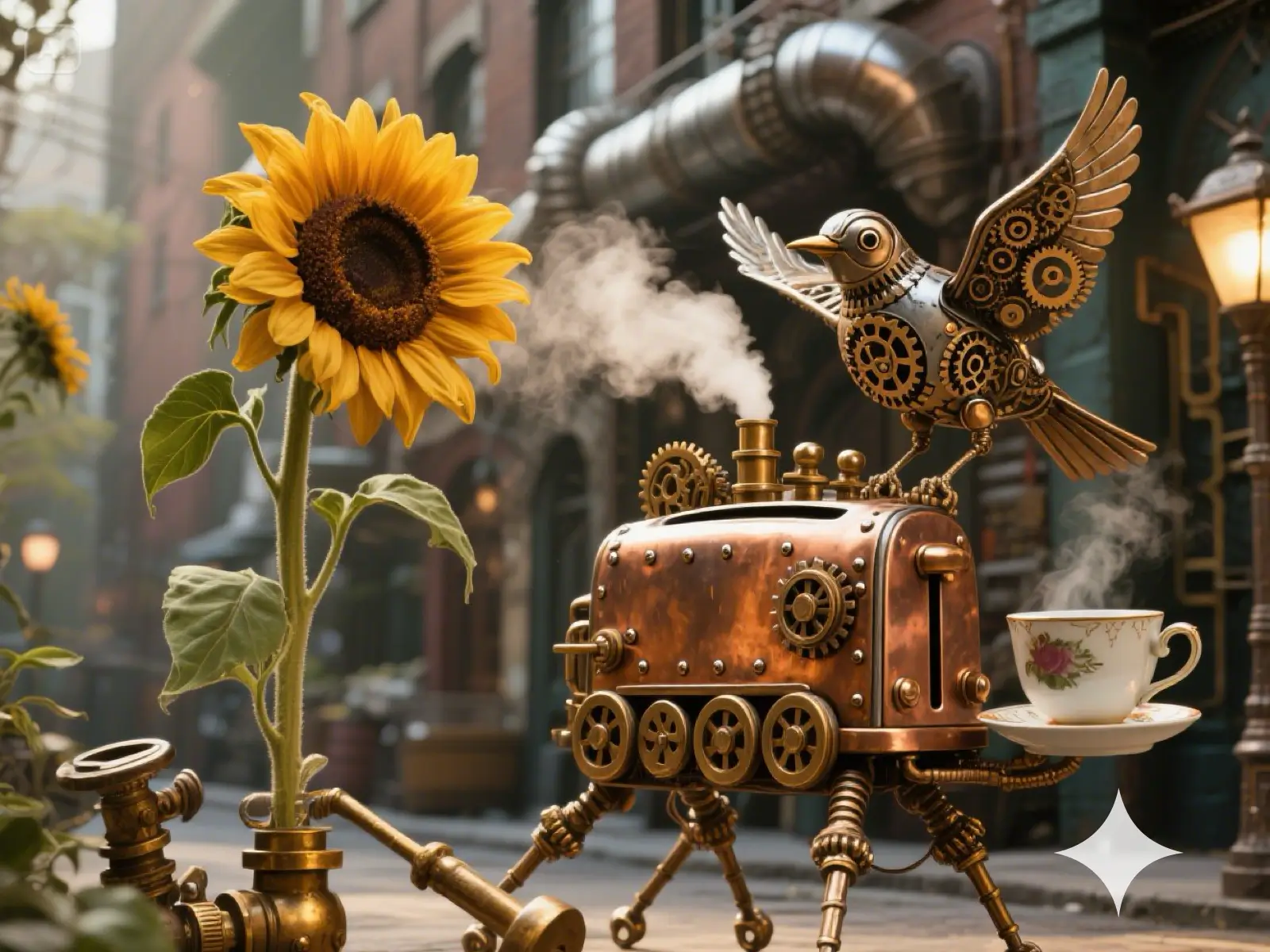
AI-generated image with a Gemini watermark — before
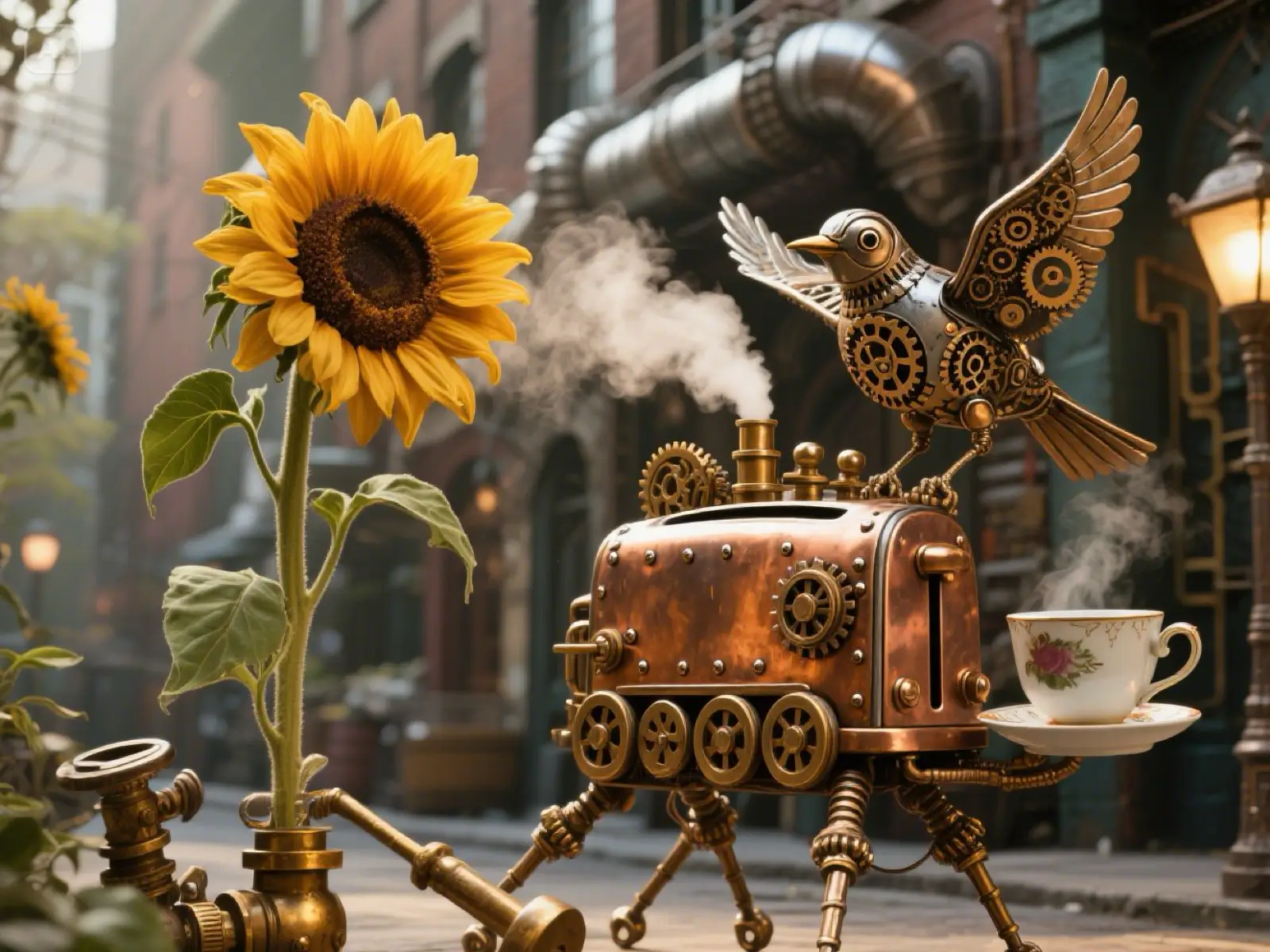
AI-generated image with a Gemini watermark — after
remove watermark from photo

Remove Watermark from Photo

RemoveGenie lets you remove the watermark from any photo — copyright stamps, diagonal overlays, artist signatures, and burned-in logos. The AI inpainting model reconstructs the background texture — sky, wall, foliage — so the final photo looks untouched. Only remove watermarks from images you have the right to edit.

  • Diagonal text watermarks and © marks
  • Corner studio signatures and stamps
  • Semi-transparent overlays across full images
Try Remove Watermark from Photo →
Dessert plate with a logo overlay — before
Dessert plate after the logo overlay is removed
magic eraser

Magic Eraser

The magic eraser handles the details that do not fit a single category. Brush over a small logo, foreground distraction, blemish, or piece of clutter and review the reconstructed area before downloading.

  • T-shirt, hat, and jersey logos
  • Live broadcast TV station bugs and tickers
  • Billboards, storefronts, and packaging brand marks
Try Magic Eraser →
Screenshot with sticker overlay to remove — before
Screenshot with sticker overlay to remove — after
sticker remover

Sticker & Emoji Remover

A sticker and emoji remover erases pasted-on graphics — Instagram stickers, Snapchat overlays, emoji reactions, chat bubbles, and censor bars — from any screenshot or photo. RemoveGenie recovers the pixels underneath so the original content shows through intact. Ideal for recovering clean social media screenshots and cleaning up chat captures.

  • Instagram, Snapchat, and TikTok stickers
  • Emoji reactions pasted over faces
  • Chat bubble balloons and message overlays
Try Sticker & Emoji Remover →
How it works

Upload. Brush. Remove.

  1. 1

    Upload a photo

    Choose a JPG, PNG or WebP up to 10 MB. Images are resized to at most 1536 px on the longest edge before processing. Check the downloaded dimensions before using a result for print.

  2. 2

    Brush the object

    Paint a red mask over every pixel you want gone. Use Undo, Clear, and the brush-size slider to be precise.

  3. 3

    Download the result

    Sign in, submit for 12 credits, then inspect and download the completed PNG.

Why RemoveGenie

Clear pricing and a simple workflow.

12 credits per removal

The cost is shown before you submit. Confirmed failed tasks receive an automatic refund.

Sign in to remove

Select and mark an image first, then sign in with enough credits to submit.

High quality

Backed by a state-of-the-art inpainting model that reconstructs background detail.

Results in your account

Source images, masks and results are stored to process tasks and make results available in your account. The processing service receives the images needed for your request. We do not promise automatic deletion after each request or after 24 hours.

Honest limitations

When RemoveGenie isn't the right tool

The AI does great on small, well-defined edits. Here's where it currently falls short — so you don't spend a credit on a shot it can't fix.

1

Very large erase areas

Brushing over a huge swath of the frame leaves the AI too little surrounding context to reconstruct from. Crop tighter or pick a dedicated scene-replacement tool instead.

2

Subjects over ~30% of the frame

When a person or object dominates the photo, there isn't enough background behind them for the model to invent. Best results come from removing items that occupy under a third of the visible area.

3

Heavy text removal

The text tool is tuned for watermarks, date stamps, captions, and a few words. Pages of body copy, comic-book panels, or dense screenshots will leave artifacts.

FAQ

The stuff people ask.