
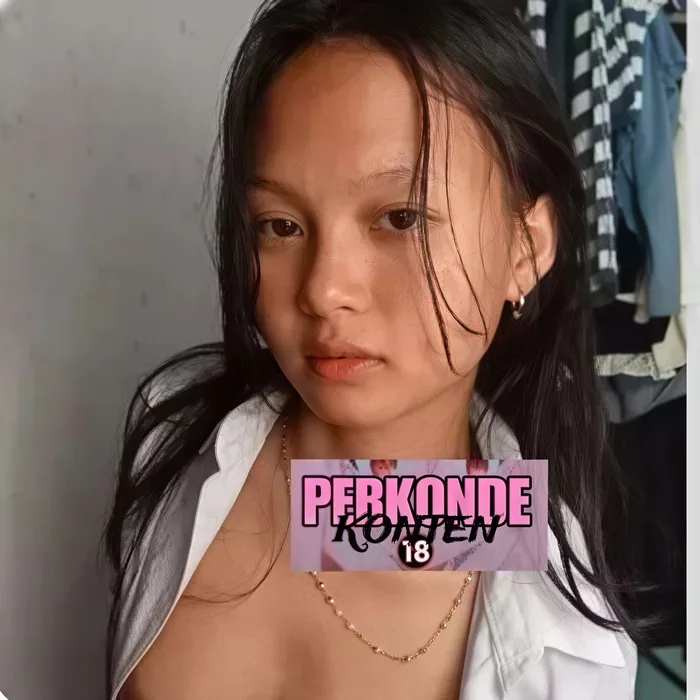
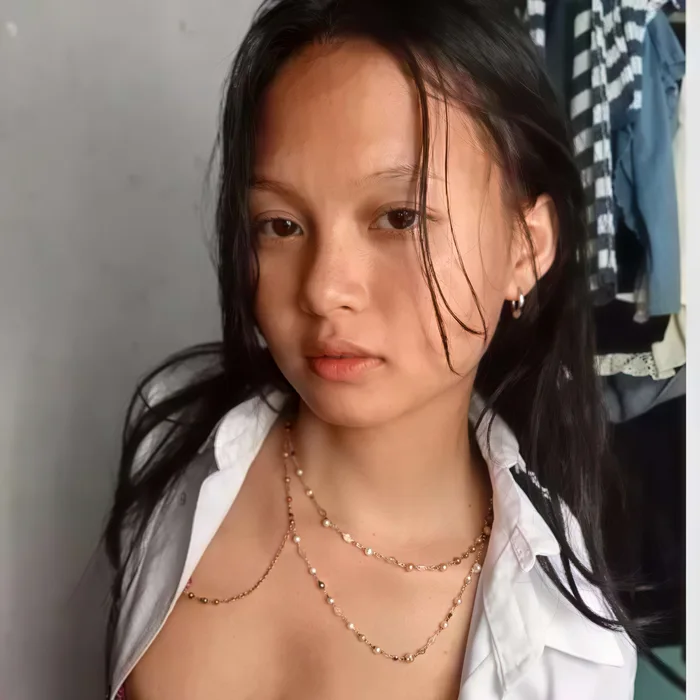
Clear a sticker off a portrait
Stickers parked over a face or body are the hardest to erase by hand. Brush the overlay and the AI rebuilds skin tone, hair, and background pixel-for-pixel — leaving the rest of the portrait untouched.
Erase stickers, emoji, chat bubbles, and overlay graphics from any screenshot or photo. AI generative fill rebuilds the content underneath. Sign in · 12 credits per removal.
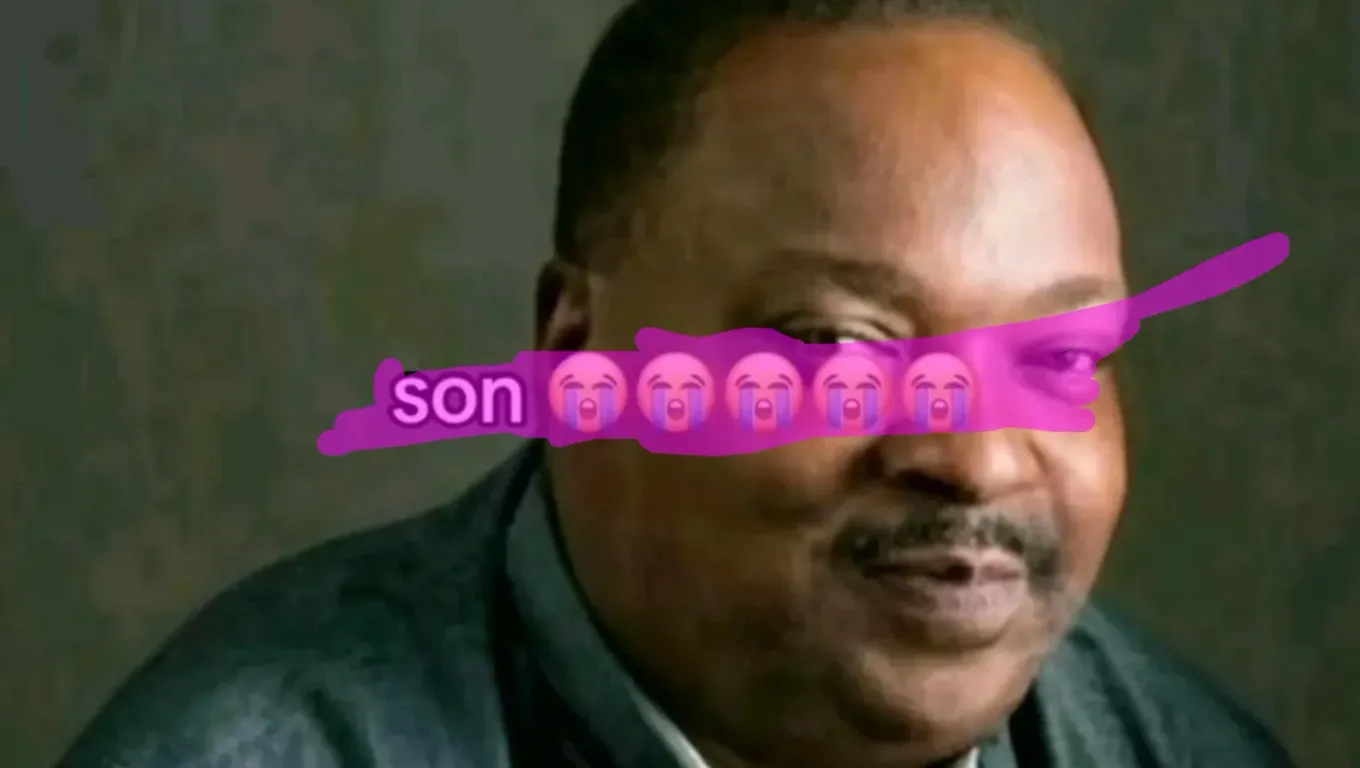
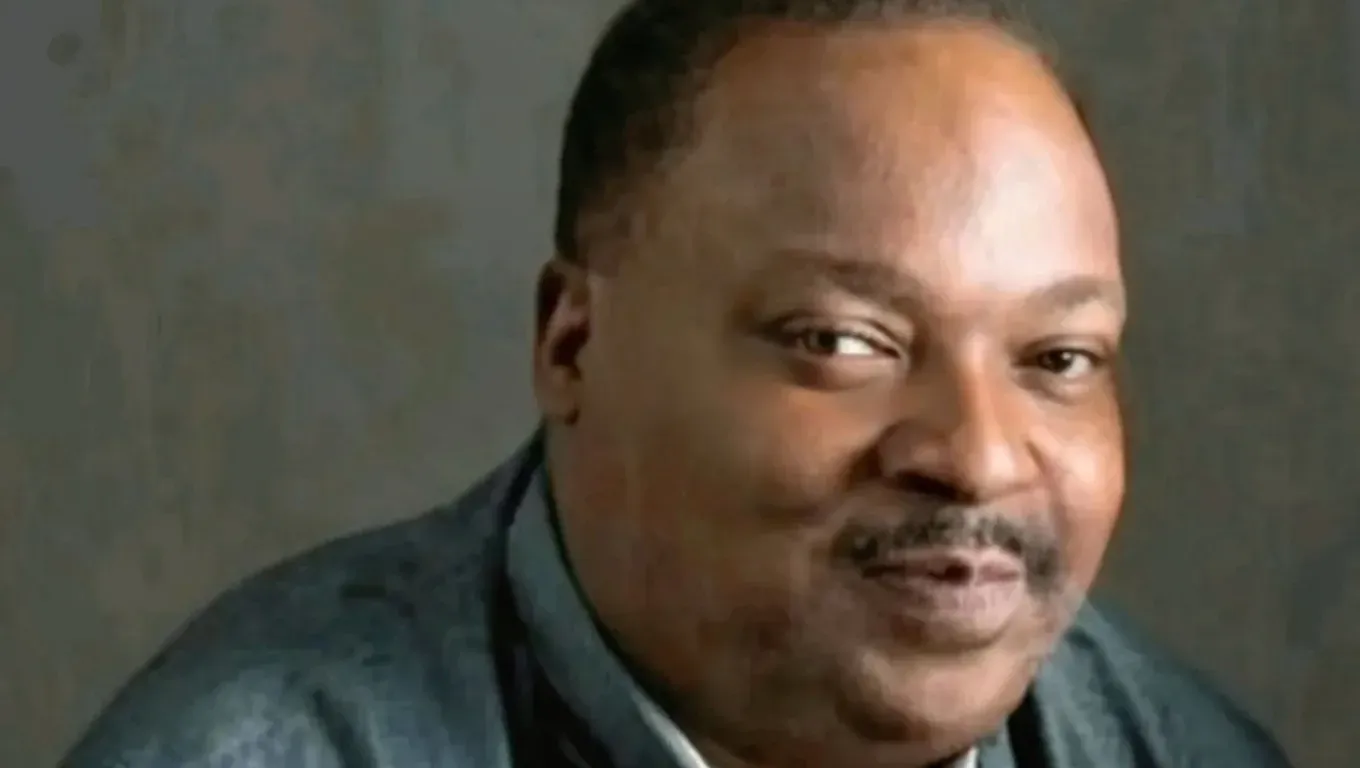
Stickers parked over a face or body are the hardest to erase by hand. Brush the overlay and the AI rebuilds skin tone, hair, and background pixel-for-pixel — leaving the rest of the portrait untouched.
Upload a photo, brush over what you want removed, and sign in to submit. Each removal costs 12 credits. Inspect the reconstructed background before downloading the PNG. Hidden details are reconstructed, not recovered.
Stickers and emoji are unusually hard for traditional inpainting because of what is typically underneath them. A watermark sits on photographic background — sky, foliage, fabric, a predictable texture. A sticker, in contrast, often sits on a face, on chat UI, on text, or on a complex composition where context from neighbouring pixels is misleading. A simple eraser that just blurs the masked area into the closest matching surroundings produces, on a face, an unsettling smear.
A generative AI model takes a different approach. It generates new pixels from its learned sense of what photos and screenshots look like, guided to restore clean background content. When the sticker is over a face the model generates a plausible face; when it’s over a chat bubble it generates plausible UI chrome. The result isn’t the exact content that was underneath, but it looks like it belongs.
The trade-off is that the model regenerates the whole image, so pixels outside the mask drift by a small amount. For social-media cleanup that’s almost never noticeable. This page is the right fit for Instagram stories, Snapchat exports, WhatsApp screenshots, and meme pictures — the small drift doesn’t matter and the generative strengths do.
Upload the screenshot or photo
Choose a JPG, PNG or WebP up to 10 MB. Images are resized to at most 1536 px on the longest edge before processing. Check the downloaded dimensions before using a result for print.
Brush every sticker, emoji, and overlay
Paint over each element you want gone — smiley-face stickers, heart reactions, chat bubbles, platform watermarks, filter effects, censor bars. For stickers with hard edges (most platform-generated emoji) add 4–6 pixels of margin beyond the sticker border so the AI has clean context to rebuild. For layered overlays (filter frames that wrap the whole image), paint each element separately for best results.
Download the clean version
Submit for 12 credits. Processing time varies with image size, queue time and service availability. Refresh this page to reconnect to your existing task, or find the result in My Creations. Download and inspect the completed PNG.
Instagram and Snapchat stickers
Location tags, GIF stickers, countdown timers, music stickers, AR filter frames. The AI handles the round corners and animated-looking shapes that simpler erasers tend to over-smooth.
Emoji reactions pasted on faces
A coworker's shared screenshot with a 😂 slapped over someone's face — paint the emoji and the AI rebuilds the face underneath. Expect good but not photographic results; details like exact eye expression are guessed.
Chat bubble balloons and message overlays
WhatsApp, iMessage, Telegram, WeChat bubble shapes covering the background of a screenshot. The AI reconstructs the app UI or wallpaper behind the bubble.
Platform watermarks and branding
TikTok usernames, Snapchat time stamps, Instagram 'remixed from' labels — anything a social app stamps onto a shared image.
Censor bars and privacy mosaics
Black bars across eyes or sensitive text, pixelation mosaics over license plates or name tags. The AI can sometimes rebuild underneath, though heavily pixelated regions have less context to work with.
Meme text and overlay typography
Classic meme-format bold-white text, TikTok-style subtitle overlays, 'POV' labels, reaction captions. The text is painted over just like any other sticker.
Paint the whole sticker including drop shadows
Many stickers have a subtle drop shadow beneath them. A tight mask that only covers the opaque pixels leaves a faint halo. Zoom in and paint 3–5 pixels past the sticker's visible edge to catch the shadow.
For animated GIF stickers, upload a still frame
GIFs are a sequence of frames. Upload the still frame you care about cleaning; the tool works on a single image at a time. To clean a full GIF you would need to process each frame individually and re-encode.
Very large stickers covering faces will be approximations
If a heart emoji covers most of a person's face, the AI has very little to work with. The result will be a plausible-looking face but NOT the original person's actual features. Use this for aesthetic recovery, not identity recovery.
Recover platform UI text behind bubbles
The AI is surprisingly good at rebuilding recognisable iOS / Android UI text when a chat bubble covers it. The exact message text will be invented (it has no way to know what the original said), but the UI chrome is usually restored well.
Generative fill means slight drift everywhere
The edit is guided by your mask. Inspect the output for edge remnants, background artifacts, changes to faces and damage to text. Pixel-identical preservation outside the mask is not guaranteed.
Faces behind stickers will look 'like a face' not THE face
When a sticker covers a face, the AI invents facial features from context. The reconstructed face is anatomically plausible but not the actual person's likeness. This is why aesthetic cleanup works but identity recovery does not.
Heavily pixelated censors cannot be reliably 'decensored'
Aggressive mosaic or black-bar censoring destroys information. The AI will invent plausible pixels underneath, but those are fabrications, not recovered originals. Do not use these results to identify censored people or read blurred text with any confidence.
AI Object Remover
The homepage version of this tool — the same AI, a quick start for simple removals.
Remove Watermark from Photo
AI watermark remover — diagonal © lines, corner stamps, signatures, and logo overlays.
Remove People from Photo
AI background people remover. Handles crowds and passers-by with a full scene rebuild.